
How do I redeem an Offer with the app?
Redeeming an Offer is a few short taps away.
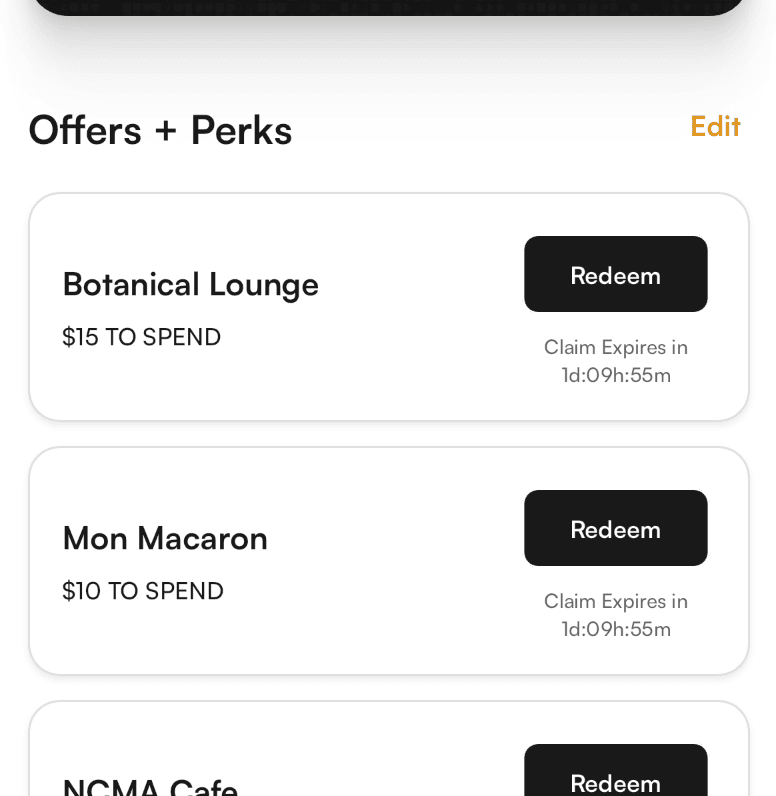
Open the My Card tab to see all of your claims. If you don't have any, browse Offline to grab something and add it to your card.
For this next part, you need to be AT the restaurant.
Click "Redeem"
Review the Redemption Instructions
Pull down on your app or tap the black card
Show the redemption page to your server/cashier so they know it's a valid redemption
You CANNOT un-redeem an Offer so make sure you are 100% ready and at the restaurant before you do this. If you accidentally redeem it just write in and we'll be able to clear it for you.